Shopify average order value (AOV) is the simplest growth lever most stores under-use: raise what each customer spends per checkout and revenue climbs without a single extra visitor or ad dollar. This guide shows where to find your AOV in Shopify, the formula behind it, the tactics that actually move it — and the margin trap that makes a higher AOV worth less than it looks.
What is average order value?
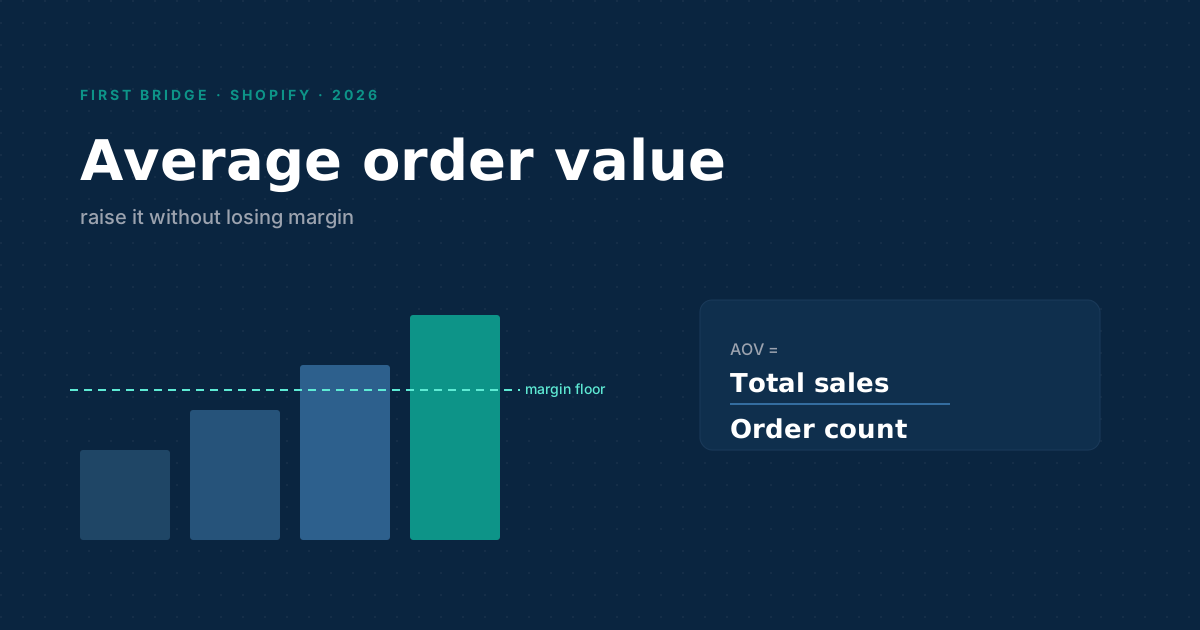
AOV is total revenue divided by number of orders over a period:
AOV = Total sales ÷ Number of orders
If you did $40,000 across 800 orders last month, your AOV is $50. It tells you, on average, how much a customer spends in one checkout — and it's one of the three numbers (alongside traffic and conversion rate) that multiply into revenue.
How to find AOV in Shopify
Shopify surfaces AOV in Analytics → Reports and on the Analytics dashboard. The native metric is fine for a top-line read, with two caveats worth knowing:
- It's calculated on gross sales, so discounts and refunds can make the headline number flattering.
- It's a store-wide average — it hides the fact that your AOV from email is probably very different from your AOV from paid social.
Shopify's reports documentation lists which AOV breakdowns are available on your plan.
How to raise AOV (the levers that work)
- Free-shipping threshold. Set it just above your current AOV ("free shipping over $75" when AOV is $60). It's the single most reliable nudge.
- Bundles and kits. Sell the complementary set, not just the hero product. Bundling raises AOV and often margin.
- Post-purchase upsells. A one-click add after checkout converts surprisingly well because the buying decision is already made.
- Volume / tiered pricing. "Buy 2, save 10%" works for consumables and gifting.
- Smart cart thresholds. Progress bars ("you're $12 from free shipping") convert the threshold into action.
The margin trap — why a higher AOV can earn less
Here's where most AOV advice stops short. A free-shipping threshold lifts AOV but absorbs the shipping cost into your margin. A 15%-off bundle lifts AOV but cuts the profit on every unit. It's entirely possible to raise AOV and lower total profit at the same time.
So track AOV next to profit per order, not in isolation. A free Shopify profit margin calculator will show you, per product, whether a discount-driven AOV bump still leaves you ahead. Across the whole store, that's exactly what FirstBridge Analytics reports — AOV alongside gross profit, margin and profit per order, after refunds and fees — so you can tell a healthy AOV increase from a vanity one. If you also want to see where those orders come from, the sales-by-state report breaks it down by location.
Frequently asked questions
What is a good average order value for a Shopify store? There's no universal benchmark — it depends entirely on category and price point. Compare your AOV to your own trend and to profit per order; a "good" AOV is one that rises without eroding margin.
How is AOV calculated in Shopify? Total sales divided by number of orders for the selected period. Shopify uses gross sales by default, so discounts and refunds aren't always reflected in the headline figure.
Does raising AOV always increase profit? No. Discounts, bundles and free-shipping thresholds that lift AOV also add cost. Always check profit per order alongside AOV so you don't trade margin for a bigger top-line number.
What's the fastest way to raise AOV? A free-shipping threshold set just above current AOV, paired with a cart progress bar, is usually the quickest win because it requires no new products.
How is AOV different from customer lifetime value? AOV is spend per single order; lifetime value (LTV) is total spend across a customer's whole relationship. A low AOV can still mean high LTV if customers reorder often.
Related reading: A Better Reports Alternative for Shopify · Shopify Sales by State Report · Shopify App Development services